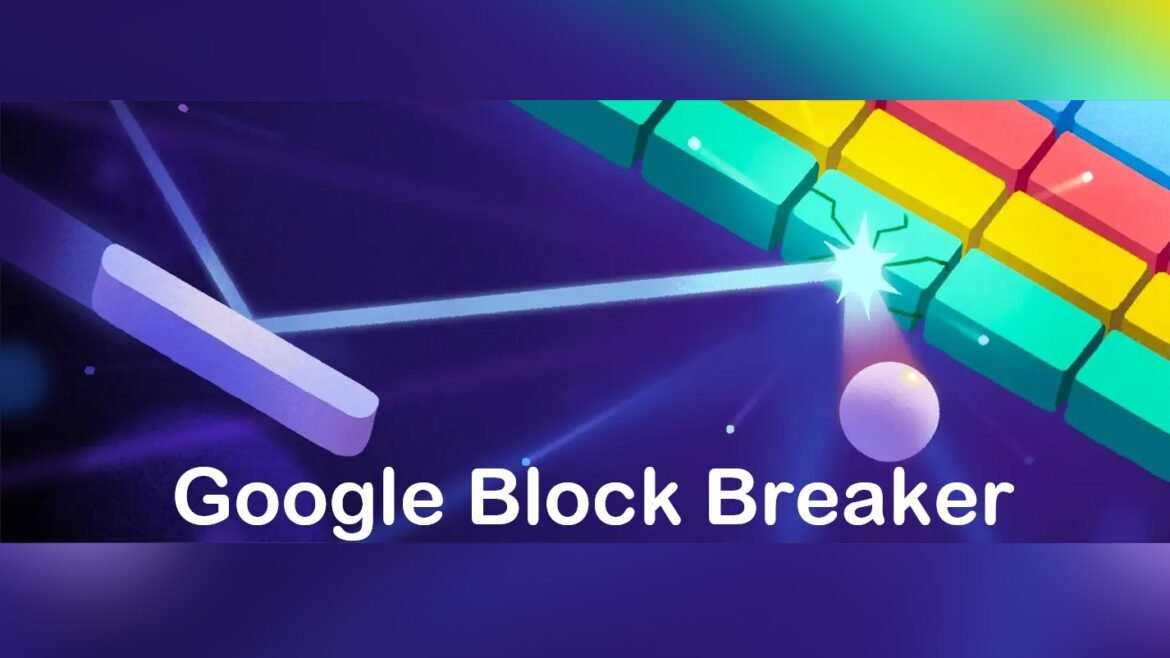

In the world of quick online entertainment, Google Block Breaker stands out as a refreshing, instant-access game that brings a nostalgic twist to modern browsers. This arcade-style brick-breaking game is embedded directly within Google Search, allowing anyone to play without downloading apps, creating accounts, or navigating complicated menus. Just a simple search brings you into a fast-paced, reflex-testing game that appeals to both casual players and retro gaming enthusiasts.
Its simplicity, accessibility, and addictive gameplay make it perfect for short breaks, stress relief, or just a fun diversion during the day. In this article, we will explore what Google Block Breaker is, how to access it, gameplay tips, and answer the most frequently asked questions about it. By the end, you’ll have all you need to enjoy this hidden gem in your browser.
What is Google Block Breaker?
Google Block Breaker is an easter egg game built directly into Google Search. Unlike conventional games, it doesn’t require downloads, installations, or accounts. By typing “block breaker” into Google Search, a playable game card appears instantly at the top of the results. You can then start playing immediately.
The game is a modern take on classic titles like Breakout or Arkanoid, where players control a paddle to bounce a ball and destroy a formation of colored blocks. Each block disappears when hit by the ball, and players progress through levels with increasing difficulty. The game also includes power-ups, such as extended paddles or multiple balls, which make gameplay more exciting and strategic.
Its lightweight design allows it to work seamlessly on desktops, laptops, tablets, and smartphones, making it accessible to virtually anyone with an internet connection. It’s an ideal choice for quick gaming breaks or moments when you want some light, fun entertainment.
How to Access and Play Google Block Breaker
Playing Google Block Breaker is simple and intuitive. Here’s a step-by-step guide:
- Open any modern browser, such as Chrome, Firefox, or Safari.
- Go to Google Search and type “block breaker” or “brick breaker” in the search bar.
- A game card will appear at the top of the search results. Click “Play” to start.
- Controls:
- Desktop: Use the left and right arrow keys to move the paddle.
- Mobile: Swipe or drag your finger across the screen to control the paddle.
- Objective: Bounce the ball off your paddle to destroy all blocks. Avoid letting the ball fall below your paddle. Collect power-ups to enhance gameplay and aim for the highest score possible.
No installations, accounts, or extra software are needed, making it extremely accessible. The game runs directly in your browser, offering seamless, distraction-free gameplay.
Why Google Block Breaker is Fun and Addictive
Instant Access
Unlike traditional games, Google Block Breaker loads instantly in your browser. There’s no waiting, no setup, and no interruptions, which makes it perfect for quick gaming sessions.
Nostalgic Appeal
For players familiar with early arcade or computer games, Block Breaker revives the charm of classic brick-breaking mechanics. Its retro-style gameplay is combined with smooth, modern graphics and intuitive controls, providing a satisfying mix of old and new.
Cross-Device Compatibility
The game runs on desktops, laptops, tablets, and smartphones. This makes it accessible anywhere — whether at home, in the office, or on the go.
Quick, Casual Gaming
Because it’s a browser-based mini-game, Block Breaker is ideal for short bursts of gameplay. You can enjoy a few minutes without committing hours, which makes it both fun and practical for busy schedules.
Low Distraction
Without ads, sign-ups, or in-app purchases, the game offers a focused experience. Players can enjoy classic gameplay without the interruptions common in modern online games.
Things to Consider:
- Performance may vary depending on device speed and internet connection.
- While fun, frequent play could become a distraction if used excessively during work or study.
Tips to Master Google Block Breaker
- Control the Ball Angle: Hitting the ball with different parts of the paddle affects its trajectory. Using the edges can help reach tricky blocks.
- Prioritize Power-ups: Grab multi-ball or extended paddle power-ups to make clearing blocks faster and more strategic.
- Stay Focused: As the game speeds up, sharp reflexes become crucial. Keep your eyes on the ball and anticipate its path.
- Use Short Breaks Wisely: This game is perfect for 5–10 minute breaks. Avoid long sessions that could reduce productivity.
- Experiment Across Devices: Desktop controls offer precision, while mobile controls are fun on the move. Try both for different experiences.
Advanced Strategies
- Block Targeting: Focus on clearing blocks at the top first to prevent the ball from bouncing uncontrollably at the bottom.
- Multi-Ball Management: When multiple balls are in play, prioritize keeping at least one ball active while aiming others at hard-to-reach blocks.
- Pattern Recognition: Each level has a distinct block layout. Memorizing patterns and predicting ball paths improves efficiency and score.
- Power-Up Combination: Some power-ups work better together. For instance, an extended paddle combined with multi-ball significantly boosts block-clearing speed.
- Stay Calm Under Pressure: The game speeds up as you progress. Maintaining composure prevents mistakes and ball loss.
FAQs
Q1: Is Google Block Breaker an official Google game?
A1: Yes, it’s an official Easter egg from Google. The game is embedded directly into search and can be played instantly without any third-party apps.
Q2: Do I need to install anything to play it?
A2: No installation is required. The game runs entirely in your browser, accessible from both desktop and mobile devices.
Q3: Can I play Google Block Breaker on my smartphone?
A3: Absolutely. The game supports touch controls, allowing you to swipe or drag your finger to control the paddle.
Q4: Does the game get harder over time?
A4: Yes. As you clear blocks, levels increase in difficulty. New rows appear, and some blocks require multiple hits to break.
Q5: Why did Google create this game?
A5: Google Block Breaker is designed for fun and nostalgia. It offers a quick, casual gaming experience directly in the browser, appealing to both new and veteran gamers.
Read More: EuroGamersOnline.com A Deep Dive into PC Gaming and Risks
Conclusion
Google Block Breaker brings the charm of classic arcade games into a modern, browser-friendly format. Its instant access, simplicity, and nostalgic gameplay make it an ideal choice for quick breaks, casual entertainment, or testing reflexes. With cross-device compatibility, intuitive controls, and no downloads or accounts required, it’s accessible to everyone. The combination of retro mechanics and modern smoothness keeps players engaged, while the progressive difficulty provides a satisfying challenge for all skill levels.
Whether you’re a seasoned gamer or just looking for a moment of fun, Block Breaker offers a simple yet addictive way to break blocks and chase high scores. Next time you want a quick diversion, type “block breaker” into Google and experience this hidden gem — a perfect blend of nostalgia, fun, and accessibility.